Part 4 – Upgrading the Functions of Budgeting System
By upgrading the functions of budgeting We’ll unlock the full potential of your budgeting system to save time and efforts.

Explore practical, real-world software development projects designed to help you learn by building complete business solutions. From Microsoft Access and VBA automation systems to modern web applications, each project focuses on solving actual business challenges while teaching professional development techniques, database design, automation, and application architecture.
By upgrading the functions of budgeting We’ll unlock the full potential of your budgeting system to save time and efforts.
In Part 3 of our “Budget and Expense Tracking” series, we will explore the power of expense management. You can take budget control with expense management, analyze your financial data, categorize your spending patterns, and gain actionable insights.
In the “Budget and Expense Tracking” series, we’ll guide you through the process of building powerful dashboard for budget and expense that provide a clear and insightful overview of your spending habits.
Take control of your spending starts with understanding where your money goes. In this first part of our “Budget and Expense Tracking” series, we’ll guide you through the essential steps of setting up your budget tracking system in MS Access.
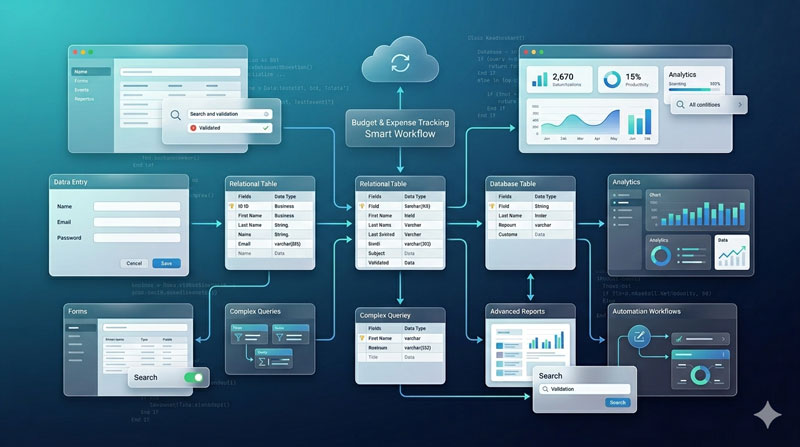
Build a custom budget and expense tracking system in MS Access. Step-by-step guide to tracking costs, managing budgets, and automating financial reports.
Free Tutorial Series.
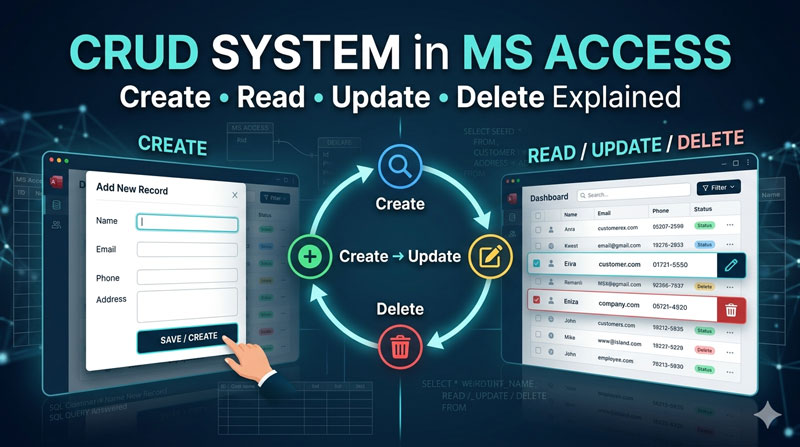
Master CRUD operations in MS Access. This step-by-step tutorial covers how to Create, Read, Update, and Delete records to build functional database applications.
Free Tutorial Series.
There can be several database structures to use as a CRUD System to understand the four fundamental functions practically (Create, Read, Update, and Delete).
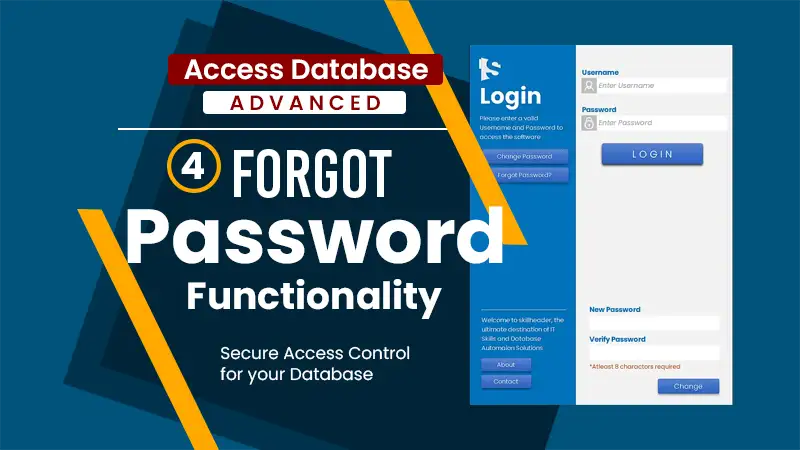
A strong password system is crucial to keep any system secure. But what if we forget our passwords? This is where “Forgot Password System” comes in handy.
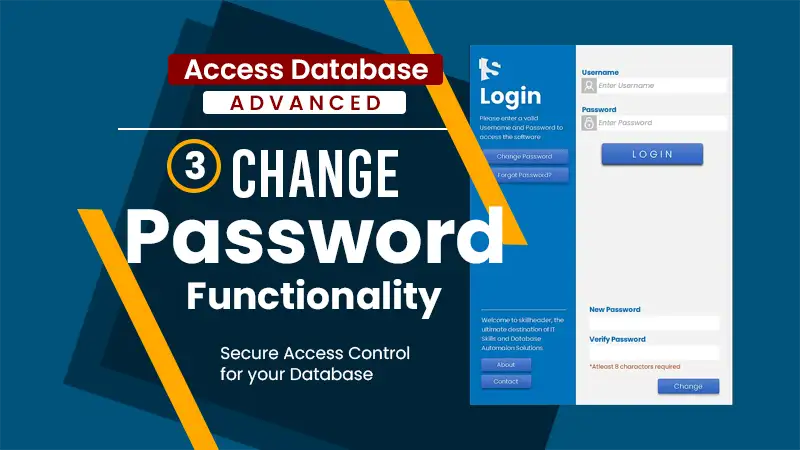
In this section, you will learn the advanced functionality of the Login System and how to make the change password system in MS Access functional with VBA and SQL coding. You can go through the first and the second part of the Ultimate Login System.
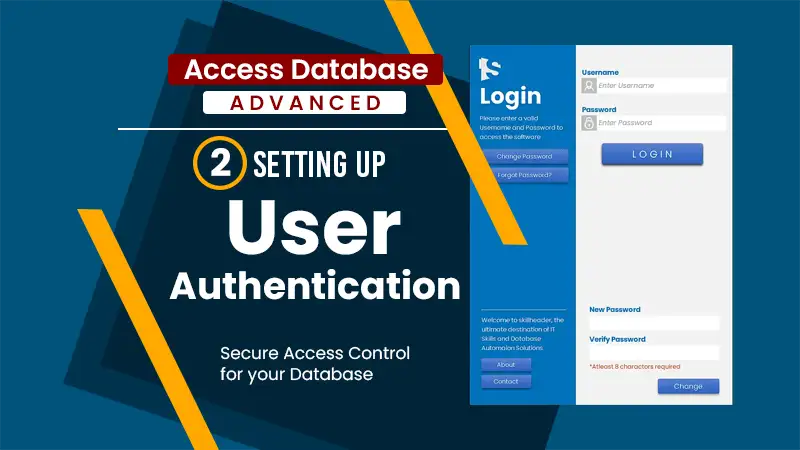
After designing the Ultimate Login Form, you need to create a user table for setting up user authentication to function. To get the functionality of the login form, you have to create a second form like the main dashboard which contains a logout functionality so the user can redirect to the login form after logging off.