Tools & Resources I Use
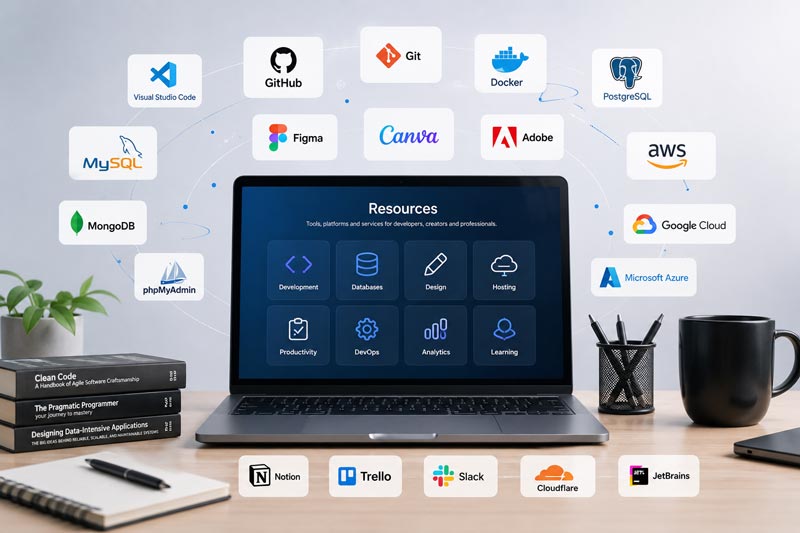
A curated collection of tools, software, hosting platforms, and equipment I personally use for development, tutorials, project building, and content creation.
Development Tools
Discover how our comprehensive solutions empower your journey.

MS Access
A powerful database management system used to build desktop-based business applications such as payroll systems, inventory management, attendance systems, reporting dashboards, and CRUD applications. I use MS Access extensively for developing practical project-based tutorials and rapid business solutions.

VS Code
A lightweight yet powerful source-code editor that supports multiple programming languages, extensions, debugging tools, Git integration, and AI-powered development workflows. I use VS Code for coding, project management, web development, and editing tutorial-related resources.

XAMPP
An easy-to-use local server environment that includes Apache, MySQL, PHP, and Perl. I use XAMPP for testing web applications, running local databases, developing PHP projects, and creating deployment tutorials before publishing projects online.

Microsoft IIS
A flexible and secure web server platform from Microsoft used for hosting ASP.NET applications, APIs, and enterprise web solutions on Windows servers. I use IIS for deployment tutorials, local hosting environments, and managing Windows-based web applications.
Hosting & Deployment
Discover how our comprehensive solutions empower your journey.

Hostinger
A reliable and beginner-friendly hosting platform that I use for hosting websites, deploying web applications, managing domains, and testing development projects. Hostinger provides an easy control panel, fast performance, and affordable VPS and shared hosting solutions suitable for students, developers, and small business projects.
Recommended for:

GoDaddy
A lightweight yet powerful source-code editor that supports multiple programming languages, extensions, debugging tools, Git integration, and AI-powered development workflows. I use VS Code for coding, project management, web development, and editing tutorial-related resources.
Recommended for:

SmarterASP
An easy-to-use local server environment that includes Apache, MySQL, PHP, and Perl. I use XAMPP for testing web applications, running local databases, developing PHP projects, and creating deployment tutorials before publishing projects online.
Recommended for:
Key Highlight:
Offers free trial hosting options for testing and development environments.
Some tools and hosting platforms listed on this page may contain affiliate links. I only recommend services and resources that I personally use, test, or find valuable for development and learning purposes.
Content Creation Tools
Discover how our comprehensive solutions empower your journey.

OBS Studio
A powerful free and open-source software used for screen recording, live streaming, and tutorial creation. I use OBS Studio to record coding tutorials, software demonstrations, project walkthroughs, and educational content with customizable scenes and professional-quality output.
Recommended for:

Adobe Photoshop
An industry-standard image editing and graphic design software used for creating thumbnails, banners, UI mockups, and visual assets. I use Photoshop for designing tutorial graphics, YouTube thumbnails, website visuals, and promotional content.
Recommended for:

Adobe Premiere Pro
A professional video editing software used for editing tutorials, project walkthroughs, educational videos, and promotional content. I use Premiere Pro for timeline editing, transitions, audio enhancement, subtitles, and exporting high-quality video tutorials.